Table of Contents
- Introduction
- What a Media Kit Actually Is (and Isn't)
- The One-Page Structure That Works
- Computing Your Reach and Engagement Rate
- Demographic Honesty
- Pricing Your Rate Card With the CPM Formula
- Common Mistakes That Kill Brand Response
- Filling Your Kit With Real Numbers
- Frequently Asked Questions
- Final Takeaway
A media kit is a one-page sales document, not a biography. Here is exactly what belongs on it, how to fill it with real numbers, and how to price a rate card that gets replies.
Ask a brand manager why they passed on a creator and you will rarely hear 'small audience.' More often you hear 'they never showed me their numbers' or 'their rate made no sense.' The media kit is the document that fixes both problems before the conversation starts. It is not a biography, a channel timeline, or a love letter to your content. It is a one-page sales sheet that tells a brand exactly three things: who your audience is, how much of it actually watches, and what working with you costs. Get those three right and brands reply. This guide covers the structure, the math, and the pricing formula that makes it work in 2026.
Introduction
A good media kit does not get you a yes. It gets you a reply — which is the real battle, because most outreach is ignored. Brands are drowning in pitches, and the ones that get a second look are the ones that make evaluation effortless. That means one page, real numbers, a defensible rate, and zero fluff. In this guide you will learn the one-page structure that works, how to compute reach and engagement rate honestly, how to present demographics without lying about them, how to price a rate card with the sponsorship CPM formula, and the most common mistakes that get media kits deleted.
What a Media Kit Actually Is (and Isn't)
A media kit is a document that converts your channel's public data into a brand's decision inputs. It answers the questions every sponsor asks before they commit: How many people will see my message? Are those people my customers? What is their engagement like? What does it cost? That is the entire job. It is not a résumé. It is not a highlight reel of your favorite videos, and it is not a manifesto about your channel's mission. Those things have their place, but they belong in a pitch email or a portfolio page, not on the one-page sheet a busy brand manager will skim for thirty seconds. Every element on a media kit should exist to answer one of the sponsor questions above. If a section does not help close the deal, cut it.
The One-Page Structure That Works
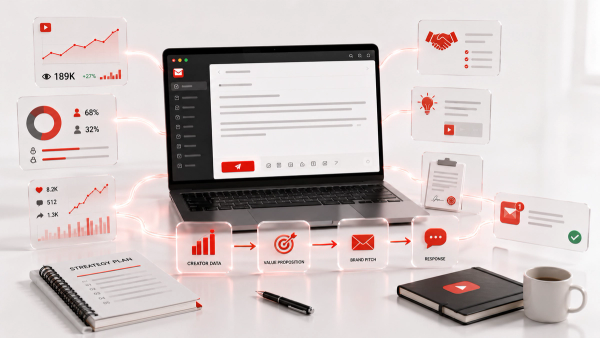
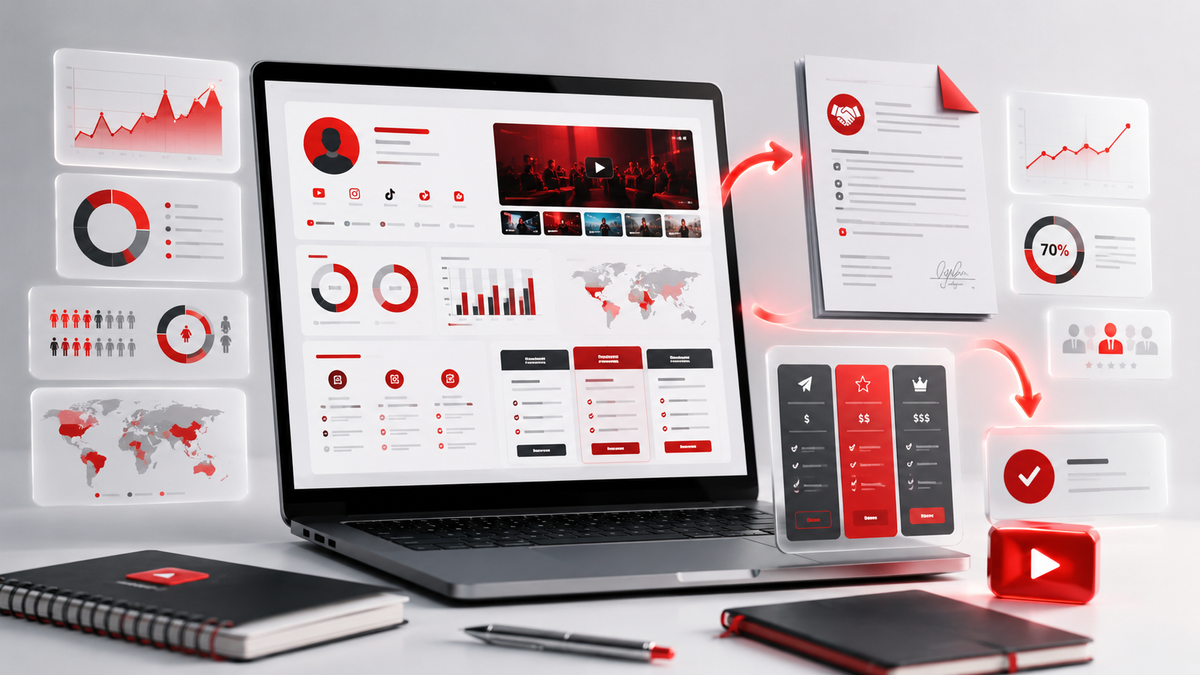
Keep it to one page until someone asks for more. A proven structure reads top to bottom like this:
- Header: your name or channel name, your niche in one line, and your contact email and location. A logo or clean avatar helps recognition.
- The numbers row: subscribers, average views per video over the last 90 days, and total views. These are the three headline stats brands check first.
- Engagement row: average likes per video, average comments per video, and your engagement rate. This is where small channels beat big ones, so do not hide it.
- Audience snapshot: age range, gender split, and top three to five countries or cities, pulled from YouTube Analytics and presented honestly.
- Content sample: three to five thumbnails or video stills showing your best-performing content. Visual proof beats self-description.
- Rate card: the price for the packages you actually sell — dedicated video, integration, Shorts spot, social bundle.
- The ask: one line about what you are open to — long-term partnerships, product reviews, affiliate collaborations.
Every section gets no more than a sentence or two of text. If it can't fit, it doesn't belong. The header deserves one more line of thought: your niche line is the single most-read sentence on the page. 'Finance educator for millennial and Gen Z investors' tells a brand more in nine words than a paragraph of biography ever could. If you serve more than one audience, pick the line that matches the brand you are sending it to — a media kit is a living document, and nothing stops you from changing the niche line between pitches. Your contact details also belong here in plain text, not hidden in a footer: name, email, location, and the platforms where a brand can reach you.
Computing Your Reach and Engagement Rate
Reach is the number brands quote first, and it is not your subscriber count. Reach is your average views over the last 90 days, because that is what a sponsor actually buys. Pull the last 90 days of view data from YouTube Analytics and use that number, not the inflated all-time average that includes your one accidental viral hit from two years ago. Engagement rate is where honest creators separate themselves. The standard formula divides total interactions by total views — likes plus comments (and sometimes shares) divided by views, expressed as a percentage. A typical healthy long-form engagement rate is roughly 4% to 8% of views. Compute it from the last 90 days, not from a lucky week. If you want the arithmetic done in seconds, the Thumbix YouTube Engagement Rate Calculator takes your likes, comments, and views and produces the percentage — use the real number, because brands compare it against your niche's baseline. The framing that wins deals: a channel with 20,000 views per video at a 7% engagement rate is often worth more per view than one with 100,000 views at 1%. You are selling reach, but you are closing with engagement. Two adjacent numbers worth adding to your kit: average watch time per view and the share of views that come from returning subscribers. Watch time signals whether viewers actually stay for a sponsor's segment, and the returning-viewer share signals loyalty — both are secondary to reach and engagement rate, but they separate you from the creator who quotes only a follower count. Keep them in the 90-day window like everything else, and never quote a metric you cannot screenshot from YouTube Analytics if asked.
Demographic Honesty
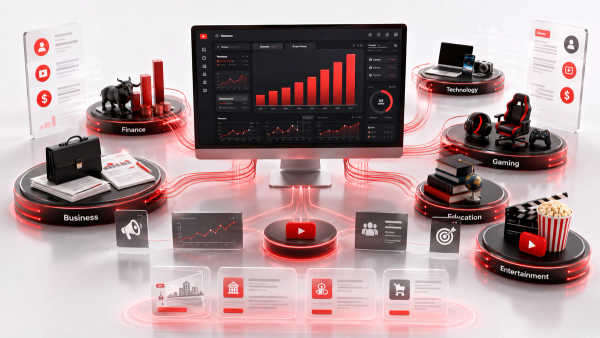
Brands ask for demographics for a reason: a beauty brand does not care about your 200,000 gaming viewers if 85% of them are men aged 18 to 24. Present your audience snapshot straight from YouTube Analytics — age ranges, gender split, and top countries — and do not round your numbers up or invent the 'desired' split. You will be asked for screenshots eventually, and an audit that exposes inflated demographics ends the relationship and the reputation. Here is the strategic version of honesty: target brands whose buyer matches your actual audience. If your viewers are 70% female aged 25 to 44 in the US and UK, you are a goldmine for beauty, fashion, and home brands and a poor fit for gaming hardware sponsors. Positioning your media kit around the brands your audience already fits multiplies your reply rate more than any formatting trick ever will.
Pricing Your Rate Card With the CPM Formula
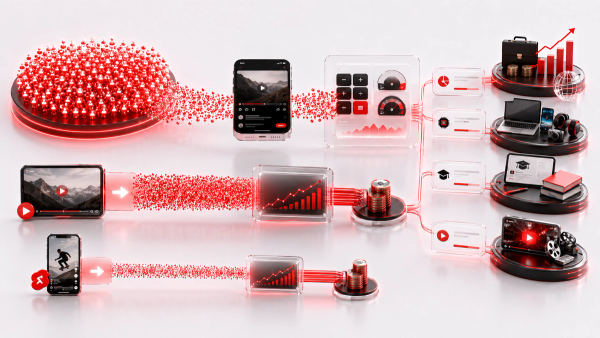
Pricing is the section most creators fumble, and it is also the most fixable. The industry-standard baseline is the sponsorship CPM formula: take your average views over the last 90 days, divide by 1,000, and multiply by your niche CPM. Niche CPMs in 2026 typically look like this: finance and B2B SaaS pay $40 to $80 per 1,000 views on a sponsored segment, tech and education $20 to $40, health $15 to $30, beauty $8 to $20, lifestyle $15 to $25, and gaming $3 to $12. A worked example: a tech channel averaging 25,000 views over the last 90 days at a $30 CPM lands at (25,000 / 1,000) x $30, or $750 as the base rate for a dedicated video. Add your engagement premium if your engagement rate beats your niche average, and add a production surcharge for heavier formats. Sponsored Shorts run lower — roughly $5 to $15 CPM, about half of long-form — so price the Shorts row separately. The Thumbix Sponsorship Calculator applies the formula for you, and the Brand Deal Calculator helps you model packages like 'dedicated video plus one Short plus a social post' so your rate card has coherent bundles instead of a single scary number. One pricing rule to internalize: brands usually open negotiations 30% to 40% below budget, so your first number should not be your floor. Price defensibly, leave negotiation room, and never chase a deal down to your cost of production. The package structure is worth designing deliberately, because brands buy outcomes, not formats. A launch bundle of one dedicated video, two Shorts, and a pinned-comment mention packages your inventory at a slight discount while raising your total order value — the Brand Deal Calculator can model three or four of these combinations so the discount is real but still profitable. And list your rate as a range rather than a single figure; a range invites negotiation, while a single number invites a delete. Every range should still be computed from the formula, so whichever number the brand lands on, you are never under your floor.
Common Mistakes That Kill Brand Response
- A PDF that runs six pages. Brands skim in seconds; keep the kit to one page.
- Unrealistic all-time view numbers. Use the last 90 days or the credibility is gone.
- No rate card, or a rate card with no packages. 'Contact me for rates' reads as 'I don't know what I'm worth.'
- Missing demographics. A sponsor who can't evaluate fit won't reply — they'll find a creator who shows it.
- No CTA. The last line of the kit should name the next step: book a call, reply to this email, or tell me your campaign goals.
- Sending a media kit to everyone. Personalize the pitch that travels with it. A media kit sent cold to fifty unrelated brands is spam; a kit sent to five carefully matched brands is outreach.
Filling Your Kit With Real Numbers
The fastest way to produce an honest, current media kit is to let the calculators do the arithmetic. Pull three numbers from YouTube Analytics — subscribers, average views over 90 days, and your latest like and comment totals — and run the engagement rate through the Thumbix YouTube Engagement Rate Calculator. Then price your rate card with the Sponsorship Calculator using your real 90-day views and your niche CPM, and model a couple of bundles with the Brand Deal Calculator. Type the outputs into a one-page template and the entire document takes about twenty minutes — with no invented figures in it. Keep the kit as a living document: update it monthly, refresh the numbers quarterly, and never send a version whose stats are older than the last 90 days. A stale media kit signals a channel that is no longer being run — and that is the one thing a sponsor cannot buy from you. One final habit separates creators who get ongoing brand work from those who get one-off deals: refresh the kit in the same week you publish a breakout video. A strong new video changes your 90-day average, which changes your rate card, which changes every future pitch. Update the numbers row the moment a notable video lands, re-screenshot the analytics, and the kit stays honest. A brand that sees your numbers climbing between two pitches reads you as momentum; a brand that sees the same stale sheet twice reads you as static.
Final Takeaway
A media kit is a thirty-second sales document, and every second counts. Lead with the numbers brands evaluate — 90-day reach, engagement rate, demographics — price your rate card with the sponsorship CPM formula, keep it to one page, and update it monthly. Do that, and your next pitch will get a reply instead of a delete. The numbers do the persuasion, so let them be real and let them be current.
Frequently Asked Questions
How long should a YouTube media kit be?
One page. Brands skim in seconds, so every element should answer a sponsor question: reach, audience fit, engagement, or price.
What is the most important number in a media kit?
Average views over the last 90 days. That is the reach a sponsor actually buys and the input for every rate calculation.
How do I calculate my engagement rate for a media kit?
Add total likes and comments over the last 90 days, divide by total views, and express as a percentage. A healthy long-form rate is roughly 4% to 8% of views.
Should small channels make a media kit?
Yes. Nano channels get sponsored, and a professional one-page kit is how they are taken seriously by brand managers.
How do I price a rate card in a media kit?
Start with (average views over 90 days / 1,000) x niche CPM, adjust for above-average engagement, and bundle formats like a dedicated video plus Shorts plus social posts.
Do I need a media kit to get brand deals?
You need something. A media kit is the standard, but at minimum you need a page with real stats, a rate card, and a clear contact method.
How often should I update my media kit?
Refresh the numbers quarterly and update it monthly. Never send a version whose stats are older than the last 90 days.
What should the rate card include?
Separate rows for a dedicated video, an integration, a Shorts spot, and a social bundle — each priced with the sponsorship CPM formula plus engagement and production adjustments.